Your phone has let you down on the trail. Maybe it overheated climbing a desert pass. Maybe it rattled loose from its mount going through rough terrain. Maybe it just washed out completely in the afternoon sun and you were guessing at the route for the last two miles.
This isn’t a phone problem. It’s a tool problem. A phone is a great phone. It wasn’t built to be a navigation system for a machine that generates constant vibration, runs in direct sun for six-hour stretches, and gets covered in dust and mud on the way home.
Rugged tablets built specifically for powersports exist for exactly this reason. This guide covers everything you need to know to find the right one: what the specs actually mean, which apps work best, how mounting systems work, and how the options compare. Whether you’re running a Polaris RZR, a Honda Talon, an ADV bike, or an overlanding rig — there’s a setup that fits.
See the ATP Pro Pack — Built for the Conditions You Actually Ride In
What Makes a Tablet “Rugged” — And Why Powersports Is Different
The word “rugged” gets applied to a lot of devices. Industrial tablets used in warehouses are rugged. Some consumer tablets have “rugged” cases. Garmin GPS units are rugged.
The distinction that matters for powersports isn’t just about durability certifications. It’s about what the device was designed to handle.
Industrial rugged tablets are built for drop resistance, dust, and weather. They’re designed to survive a worksite — a construction supervisor pulling a device out of a truck and reading it under an awning. That’s a different use case than strapping a tablet to a UTV dash and running it continuously for six hours through rocks, heat, full sun, and sustained vibration.
Powersports creates four specific conditions that set it apart:
Continuous vibration. UTVs and ATVs transfer a lot of mechanical energy into everything mounted to them. A device mounted to the dash experiences that vibration for the entire ride — hours at a time. This affects display connections, battery contacts, and mount integrity in ways that worksite drop-testing doesn’t account for.
Sustained direct sun exposure. You’re not checking your tablet under a roofline. You’re riding at noon through sand dunes or Colorado high country with the display pointed at the sky. Display brightness — measured in nits — stops being a preference and becomes a safety consideration.
Temperature extremes. Desert riding can push ambient temperatures past 100°F, and the device is absorbing solar radiation on top of that. Cold storage overnight in mountain climates goes the other direction. Thermal tolerance matters more than most spec sheets acknowledge.
Water and dust ingress. You don’t get to choose when the weather changes mid-ride. Dust on desert trails, stream crossings, unexpected rain — a device rated for “light splashes” isn’t built for this environment.
A device that’s rugged for a warehouse isn’t automatically rugged for a powersports vehicle. When you’re evaluating any rugged tablet for off-road use, those four conditions are the baseline.
The Spec That Matters Most: Display Brightness in Nits
Nits measure the brightness of a display. The higher the count, the more visible the screen is in direct light.
A standard indoor tablet runs around 300–400 nits. That’s fine in a kitchen or office. Take it outside in midday sun and you’ll see your own reflection.
Consumer tablets marketed as “outdoor-ready” typically land around 600–800 nits. In shade or overcast conditions, they’re workable. In direct sun — Glamis at noon, Moab slickrock in July — you’re fighting glare and squinting at a screen that’s barely readable.
The ATP Rugged tablet runs at 2,600 nits. At 2,600 nits, you’re not guessing at the trail. The screen reads clearly in direct sunlight, at any angle, without stopping.
To put it in practical terms: most competing “outdoor” rugged tablets max out between 650 and 1,000 nits. ATP’s 2,600-nit display is 2.6x to 4x brighter than anything else in this category. That gap shows up every time you ride in full sun — which, for powersports, is most of the time.
For a full breakdown of how brightness ratings translate to real-world readability, see Display Brightness Explained: Why Nits Matter for Outdoor Screens.
Understanding IP Ratings for Powersports Use
The IP (Ingress Protection) rating tells you how well a device seals against dust and liquid. It’s a two-digit code — the first number is dust protection, the second is water.
- IP67: Fully dust-tight, survives submersion to 1 meter for 30 minutes.
- IP68: Fully dust-tight, survives submersion beyond 1 meter for longer durations.
For powersports, IP67 or IP68 is the minimum worth accepting. IP65, common on many industrial tablets, handles dust and water jets but not sustained exposure or stream crossings.
The other certification worth noting is MIL-STD-810G — the military durability standard. It validates a device against thermal extremes, shock, vibration, humidity, and altitude. If a tablet has passed MIL-STD-810G testing, it’s been evaluated against the kind of environmental stress that powersports generates.
For a deeper breakdown of what these ratings mean in practice, see How IP Ratings Work (And Why They Matter on the Trail).
Rugged Tablet vs. Smartphone: Why Your Phone Can’t Do This Job
Most riders start here: “I already use my phone for navigation. Why do I need a dedicated device?”
Fair question. Here’s the straightforward answer.
Your phone is good at being a phone. It’s not good at being a dedicated navigation system for a powersports vehicle, for three specific reasons:
Heat management. Smartphones aren’t designed for sustained high-temperature operation. Run GPS navigation continuously for three to four hours in direct sun and most smartphones will throttle or shut down entirely to protect their processors. This happens at the worst possible time — deep in the backcountry, far from cell service.
Display visibility. The best smartphone displays reach around 2,000 nits at peak brightness. They hit that peak briefly, then drop back to preserve battery life. At sustained brightness in direct sun, most smartphones are significantly less readable than a display built for that condition.
Mounting and power. A phone mount on the handlebars works fine until the vibration damages the electronics in it, the cable pulls out under a hard hit, or the charge can’t keep up with navigation’s battery drain and the screen dims automatically. A purpose-built navigation system hardwires power, uses an AMPS-pattern mount designed for constant vibration, and keeps the display on at full brightness for the duration of the ride.
None of this makes your phone a bad device. It makes it the wrong device for this job.
For the full comparison, see Rugged Tablet vs. Phone for UTV Riding: Why Your Phone Isn’t Built for the Trail.
Rugged Tablet vs. Dedicated GPS: What Changes When You Go Android
Garmin and Trail Tech make purpose-built powersports GPS units. They work. The reasons riders are switching to Android-based rugged tablets come down to two things: screen size and software flexibility.
Screen size. A dedicated GPS unit typically has a 4–6 inch display. Fine for a route line. Not ideal for detailed trail maps, elevation data, or checking a waypoint without stopping. An 7 inch rugged tablet gives you substantially more visual real estate.
Software flexibility. Dedicated GPS units run proprietary software. You’re locked into whatever map database the manufacturer provides, updated on their schedule. An Android tablet with Google Play access runs whatever navigation app you already know and trust — onX Offroad, Gaia GPS, Backcountry Navigator, or any other app you prefer. When a better app comes out, you install it.
The tradeoff worth acknowledging: dedicated GPS units have long battery life and deeply optimized software. An Android tablet needs hardwired power for a full day’s ride. That’s a real installation consideration — and it’s why the complete system (tablet + mount + hardwired power + security) matters more than the tablet alone.
Best Navigation Apps for Off-Road Riding
The ATP Rugged tablet runs Android with full Google Play access. These are the apps that work best for powersports navigation.
onX Offroad. The most popular choice among UTV and ATV riders. Covers OHV trails, private land boundaries, public access routes, and property ownership data. Excellent offline map capability — download offline maps before you leave, ride completely without cell service. Used by serious trail riders across the country.
Gaia GPS. Preferred by ADV motorcycle and overlanding riders for topographic depth. The topo data is some of the best available on any navigation platform. Offline downloads work reliably, and the routing tools are strong for multi-day trips across terrain features.
Backcountry Navigator Pro. Strong choice for riders who want detailed USGS topo layers and large offline map downloads. Slightly steeper learning curve than onX, but very capable for remote riding.
Google Maps. Worth having installed for paved sections, finding fuel, and navigating to trailheads. Doesn’t work for off-trail navigation, but it’s the right tool for the road portions of any trip.
None of these apps require a specific device — they run on any Android tablet. What ATP provides is a platform that keeps them running continuously, at full brightness, without overheating or dying partway through the ride.
For current app comparisons and setup guides, see Best Navigation Apps for Off-Road Riding (2026 Guide) and How to Set Up Offline Maps for Trail Riding.
Vehicle-Specific Setups: What to Know Before You Mount
The right configuration for a UTV is different from what works on an ADV motorcycle. Here’s a quick overview by vehicle type.
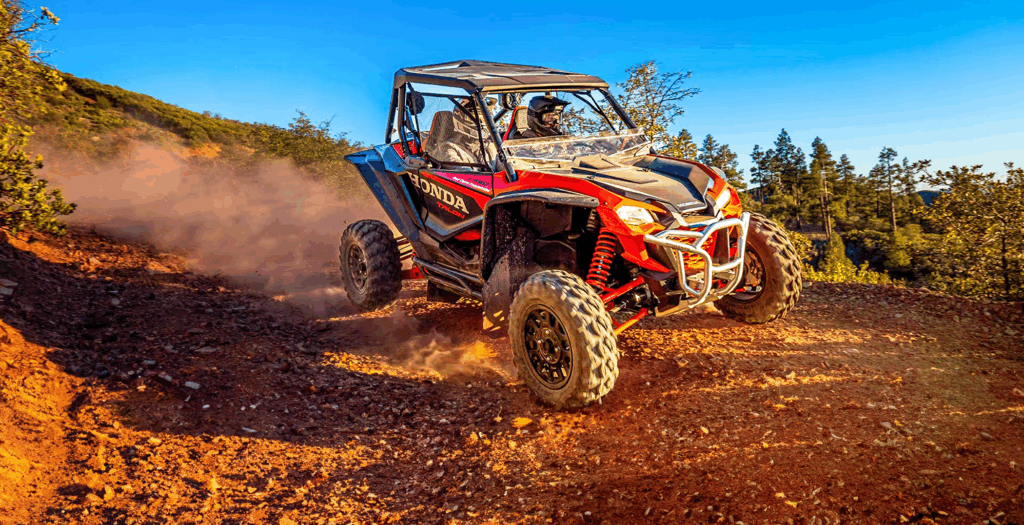
UTVs and Side-by-Sides. The most accessible installation. Most UTVs have flat dash sections with enough space for a 7–10 inch tablet. The AMPS mounting pattern — a standardized 30mm × 38mm bolt pattern — is compatible with most aftermarket UTV hardware and allows clean cab integration. The Honda Talon, Polaris RZR, and Can-Am Maverick all have ATP-compatible mounting solutions.
For the Honda Talon-specific setup, see ATP Rugged Tablet for Honda Talon. For the Polaris RZR, see Polaris RZR Tablet Setup: Mounting, Navigation, and Riding with Tech.
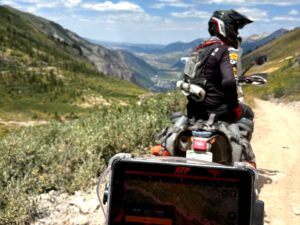
ADV Motorcycles. Vibration management is the primary challenge. Motorcycle-specific vibration dampeners are essential — engine vibration transferred directly to a rigid mount can degrade display connections over time. The BMW WunderLINQ integration adds a layer of functionality by connecting the tablet to the motorcycle’s CAN bus, pulling in speed, fuel level, and other vehicle data. For BMW-specific setups, see ATP Rugged Tablet for BMW Motorcycles — WunderLINQ Integration.
Overlanding Rigs. Power is typically easier on an overland truck or SUV — you have 12V outlets, auxiliary power systems, and more cab space. The question most overland builders ask is how it fits in a build that already has a head unit and CarPlay. The answer: ATP serves a different function. It’s a dedicated navigation screen, always on, with offline trail maps — not a replacement for the infotainment system.
The Mounting System: Why It Matters as Much as the Tablet
The most common mistake riders make is buying a tablet and mounting it with whatever hardware happens to fit. That approach works until the mount loosens, the cable pulls out, or the tablet ends up in your lap at speed.
The AMPS mounting pattern (30mm × 38mm) is the industry standard for vehicle-mounted devices. It’s what RAM Mount, Arkon, and most quality UTV accessory brands use. ATP’s mounting kit is built around this pattern, which means it integrates with existing aftermarket hardware and can be positioned anywhere a standard AMPS-compatible mount exists in your vehicle.
What matters beyond the pattern itself:
Vibration dampening. A direct rigid mount transfers vibration to the display. Purpose-built mounts use rubber or elastomer isolators to reduce the amplitude of vibration reaching the device. Over hundreds of miles, this matters.
Power integration. Hardwired power via Pogo Pin connector tied to the vehicle’s accessory circuit keeps the tablet at full charge, running at full brightness, without relying on internal battery capacity that degrades with heat and use.
Security. With its integrated locking system, the ATP mount keeps your tablet protected and firmly in place even when unattended.
For a complete step-by-step installation walkthrough, see How to Mount a Tablet in Your UTV.
ATP Rugged Tablet: Built for This, Not Borrowed from Something Else
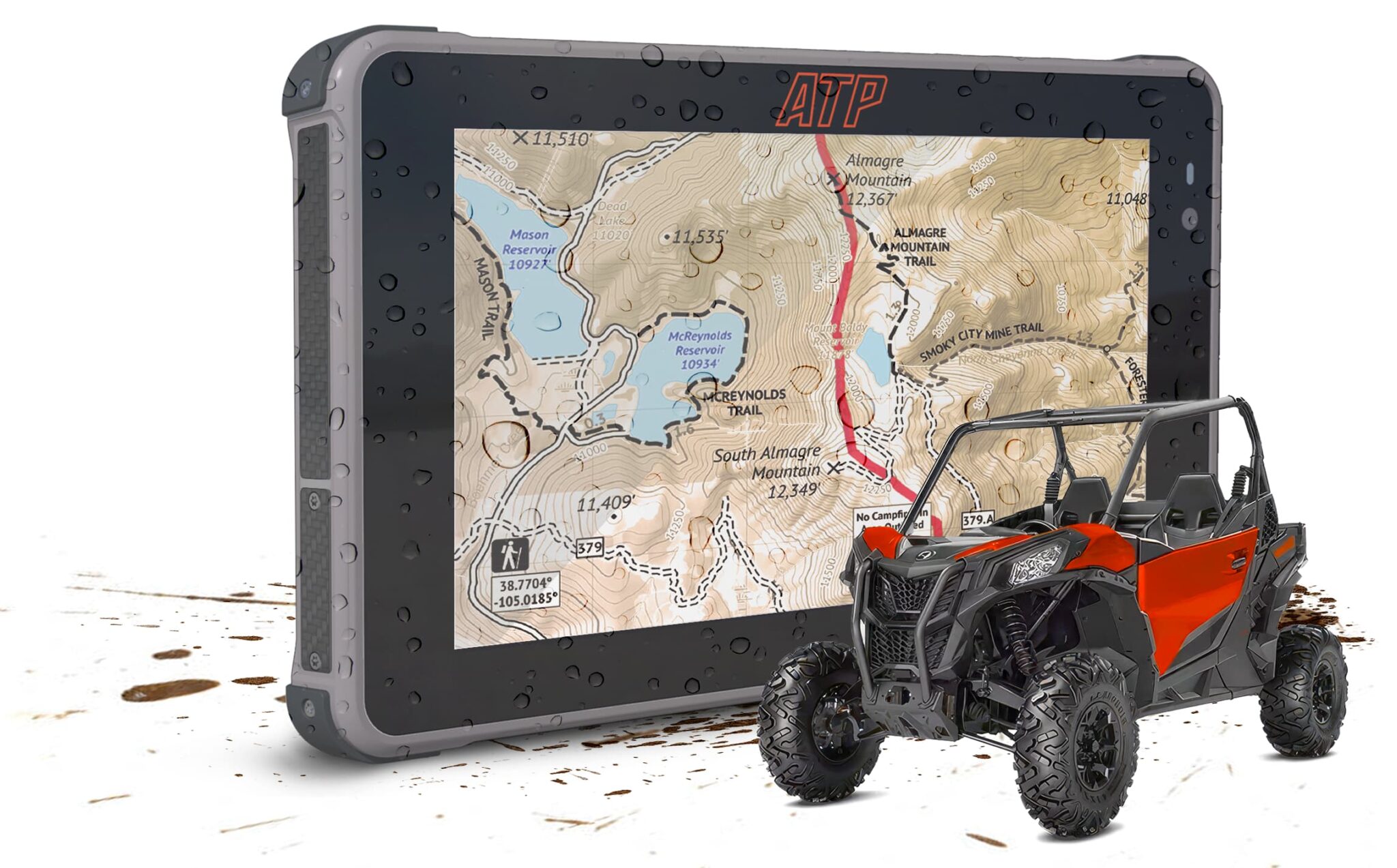
The ATP Rugged tablet is a purpose-built standalone off-road navigation system. Not an industrial tablet adapted for outdoor use. Not a consumer device in a rugged case. Designed specifically for powersports vehicles and the conditions they create.
Key specs:
- 2,600-nit display — readable in full direct sunlight
- IP68 rated — fully dust-tight, submersion-rated beyond 1 meter
- MIL-STD-810G certified — validated for thermal extremes, vibration, shock, and humidity
- Android OS with Google Play — run onX, Gaia, Backcountry Navigator, or any app you prefer
- Built-in multi-GNSS GPS — offline location without phone pairing or cell service
- AMPS-compatible mount — integrates with standard aftermarket UTV and motorcycle hardware
The ATP Starter Kit includes the tablet with basic mounting hardware — a solid entry point for riders who want to evaluate the system before committing to a full build.
The ATP Pro Pack adds the full vehicle integration: hardwired power cable, security hardware, vibration-dampened mount, and everything needed for a permanent, clean installation. For riders who want to install it once and stop thinking about it, the Pro Pack is the right answer.
Frequently Asked Questions
What is the best rugged tablet for a UTV?
The best rugged tablet for a UTV is one designed for powersports conditions — sustained vibration, direct sun, and temperature extremes. The ATP Rugged tablet meets all three with a 2,600-nit display, IP68 rating, and an AMPS-compatible mounting system built for vehicle integration. Generic industrial tablets (MUNBYN, Samsung Galaxy Tab Active) are designed for warehouse and field service environments, not continuous powersports use.
Do I need a special mount for a rugged tablet on a powersports vehicle?
Yes. A standard phone mount isn’t designed for the sustained vibration of a UTV or ATV. Powersports tablet mounts use the AMPS mounting pattern (30mm × 38mm bolt spacing) with vibration isolators that reduce mechanical vibration reaching the device. The ATP mounting kit is built to this standard.
Can I use a rugged tablet without cell service on the trail?
Yes. Built-in multi-GNSS GPS provides offline location tracking without cell service or phone pairing. Navigation apps like onX Offroad and Gaia GPS support offline map downloads — download your region at home and navigation works completely off-grid.
What nit count do I need for an outdoor tablet?
For comfortable outdoor readability in direct sun, a minimum of 1,000 nits is a practical floor. For powersports use — sustained midday sun in desert or mountain environments — 2,000+ nits is the realistic target. ATP Rugged’s 2,600-nit display is the highest-brightness tablet currently available in the powersports category.
Is a rugged tablet better than a Garmin for off-road navigation?
Depends on what you value. Garmin runs proprietary software with excellent reliability and long battery life. An Android rugged tablet offers a larger screen, full app flexibility (run onX, Gaia, or any app you prefer), and Google Play access for updates. The ATP Rugged tablet provides a 7,000mAH built in battery and hardwired power for all-day use; Garmin handles its own battery. For riders already using onX or Gaia on their phone, the tablet extends that experience to a larger, vehicle-mounted, always-on screen.
What’s the difference between the ATP Starter Kit and the Pro Pack?
The Starter Kit includes the ATP Rugged tablet with basic mounting hardware — a good entry point. The Pro Pack adds hardwired power, a security cable, vibration-dampened mount bracket, and full vehicle integration hardware. For permanent installations, the Pro Pack delivers the “mounted, powered, ready” setup that eliminates the DIY assembly problem.